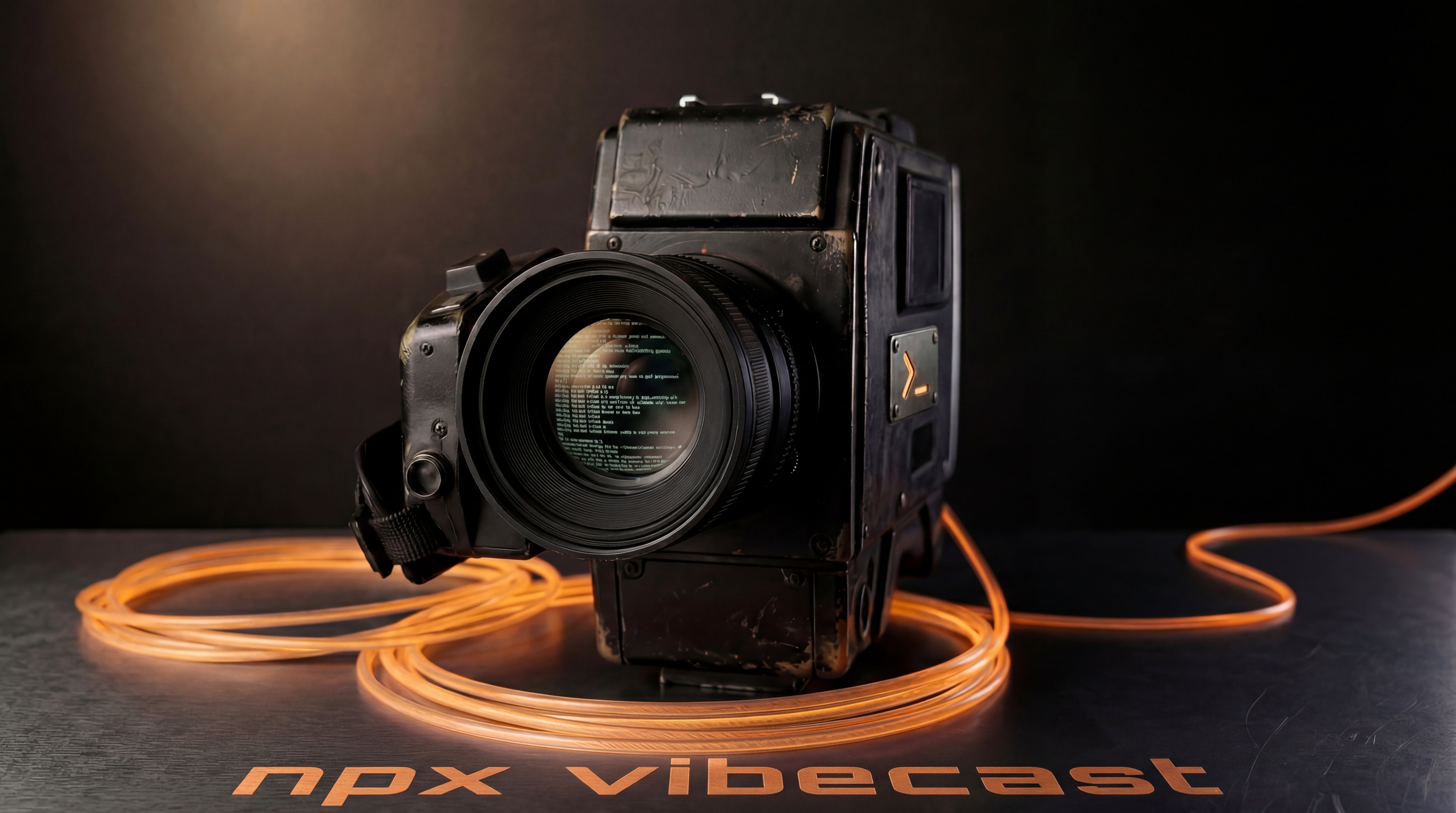
Introducing vibecast
npx vibecast
That's it. Your Claude Code session is live at agentics.dk/lives/<your-stream-id>. Share the link. Anyone can watch.
vibecast wraps your terminal in a tmux session, streams it over WebSocket, and gives viewers a live browser window — not a screen share, not a recording. A real terminal, in real-time, with context: what the agent is doing, which tools it's calling, what it just approved.
What it looks like
[demo video]
Why it exists
Watching someone use Claude Code well is one of the fastest ways to get better at it yourself. But there's been no good way to do it. Most developers are working alone, in private, with no way to share what they've figured out.
vibecast makes agentic coding a shared experience. You code. Others follow along, ask questions in the chat, and see a real session — not a cleaned-up tutorial, not slides, the actual thing.
It's also useful for teams. Run vibecast during a pairing session. Let colleagues watch an agent tackle a long refactor. Get questions in chat without breaking your flow.
How it works
When you start vibecast, it opens a tmux lobby and connects to agentics.dk. From there you pick a workspace, start Claude Code, and your session goes live. A Claude Code plugin is automatically installed that reports tool calls, session state, and approvals to the viewer overlay — so viewers know what's happening even when the terminal output alone doesn't make it obvious.
[demo video]
Multi-pane support lets you run several Claude Code sessions side by side and switch between them with an F-key bar. Viewers follow whichever pane you're on.
If your session crashes, --resume picks it up exactly where you left off.
Part of the Assembly Line Protocol
vibecast is the reference Operator in the Assembly Line Protocol — the layer that wraps an AI agent and drives it within a controlled execution environment.
If you're building on top of ALP or want to understand how the Operator layer works in practice, vibecast is a working example. The source is at github.com/pksorensen/vibecast.
Get started
Requirements: tmux, ttyd, Claude Code.
npm install -g vibecast
vibecast login
vibecast
Your session is live immediately. Viewers need no account.